
Toy profile
Yoto Player 4th Generation: Choose the Next Story
Explore the full-size Yoto Player 4th Generation and host a short listening program using compatible cards and Green Button favorites.
The play at a glance
Let a young host choose the next story
A card and a green shortcut offer two ways to start favorite audio. Turn those choices into a child-hosted listening program with a handmade illustrated schedule.
A familiar card and a new green shortcut
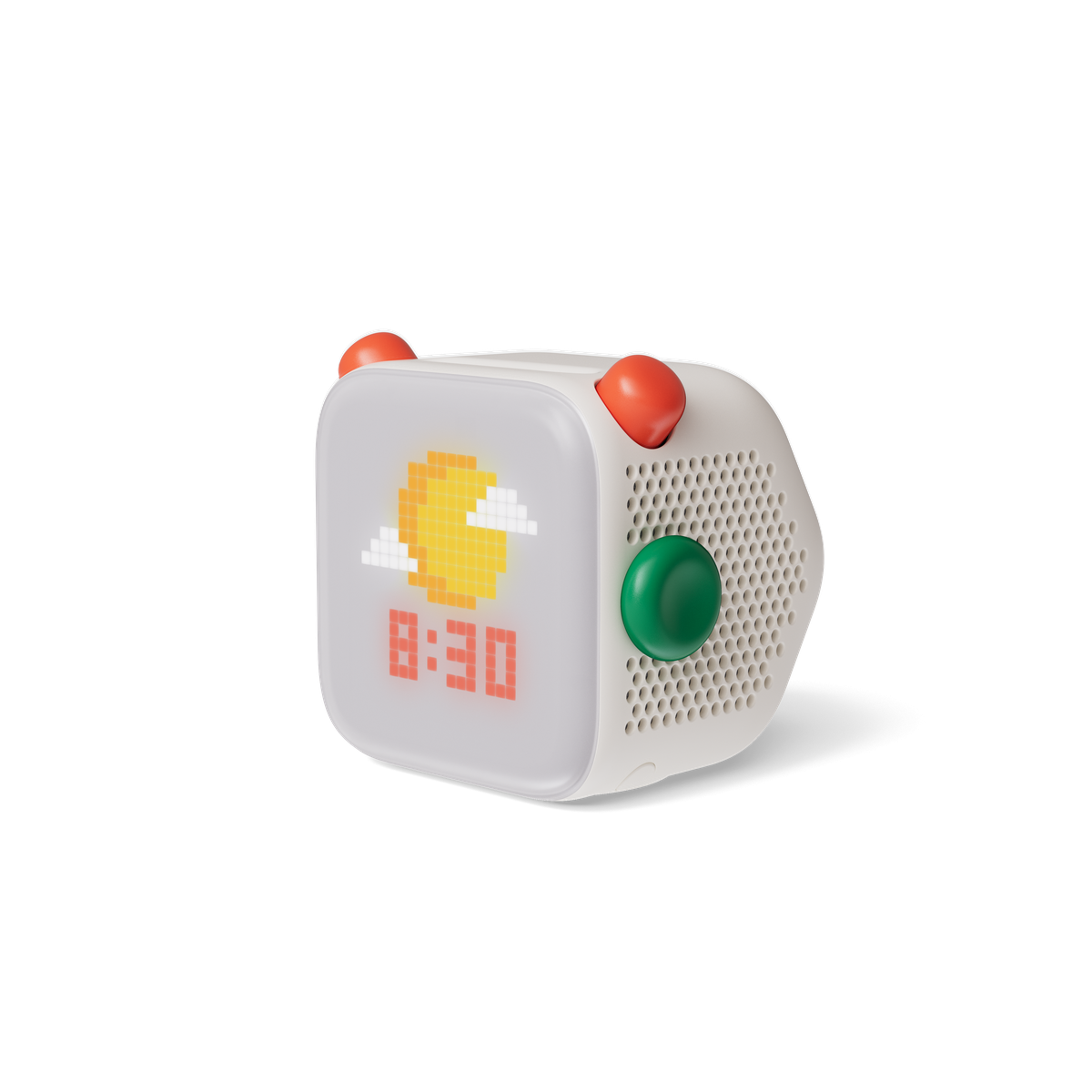
A card slides into the top of the cube, and a story begins. On the side, a green button offers another route to a favorite: turn it to browse the choices a grown-up has prepared, then press to play.
Yoto Player 4th Generation is the full-size home audio player, distinct from Yoto Mini. Recommended for ages three and older, it has two orange top dials, a pixel display and the new Green Button. A grown-up uses the Yoto App to set up the player and choose the button’s favorites.
The current controls guide assigns volume to the left orange dial. The right dial browses tracks, with a press selecting one. The Green Button browses the grown-up’s chosen favorites instead. These separate jobs give a child concrete controls to explore with help during setup.
Start with a short, familiar selection
Choose a compatible ordinary story that your family already has, and let the grown-up prepare its card and a Green Button shortcut. Begin with only a few favorites so the child can recognize the choices. The current product information allows separate day and night lists of up to twenty titles each.
Wi-Fi is needed for setup and downloading content. Compatible audio that has finished downloading can play offline; radio and some podcasts still need an internet connection. As checked on November 12, 2026, Yoto’s current guidance still lists interactive-card compatibility as forthcoming. Check the linked compatibility guidance before choosing a branching story or quiz card.
Host a two-part listening program
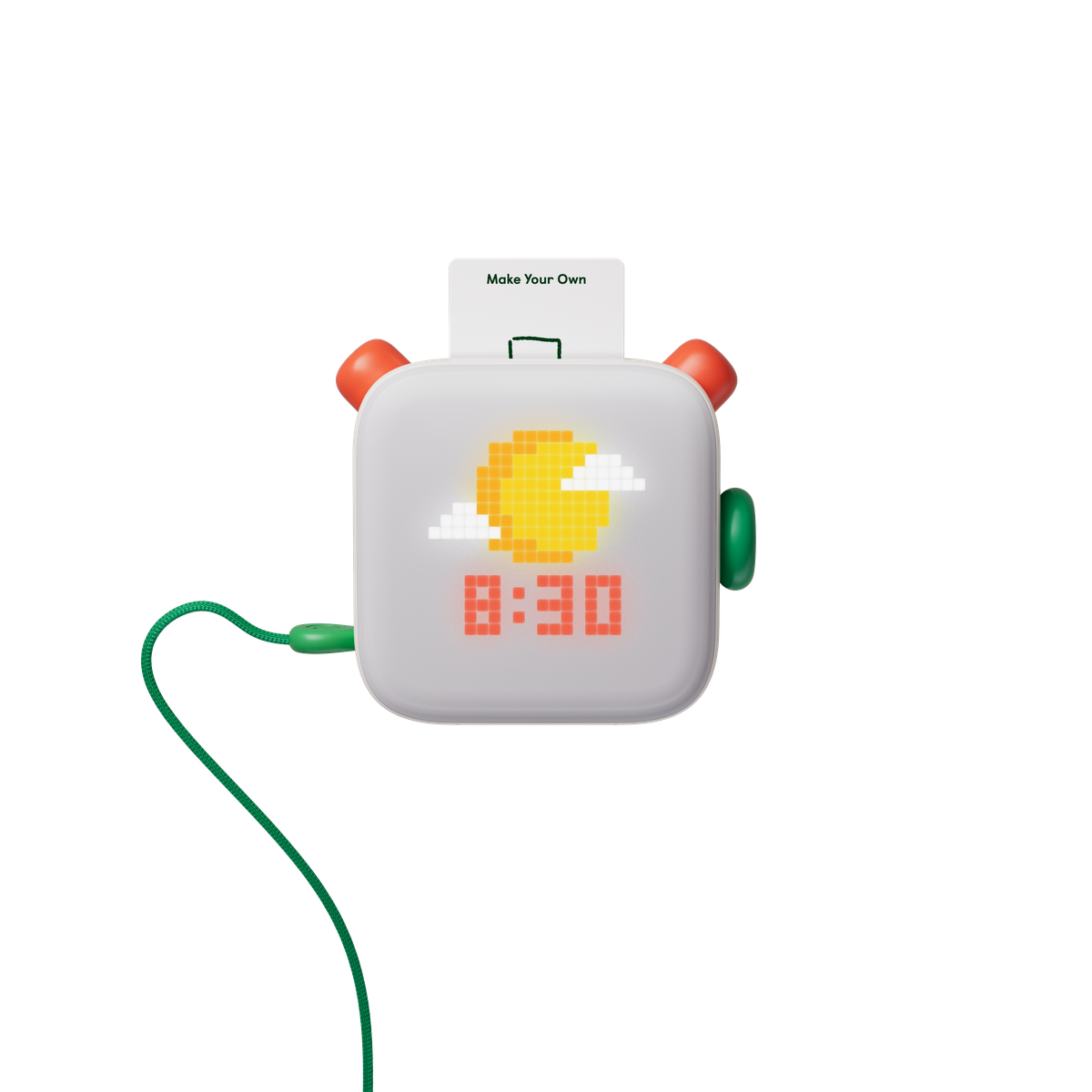
An original Toysit listening and storytelling activity: draw a small program for a family listening session. Use compatible ordinary audio and the player’s supported controls. The paper stays beside the player; only suitable Yoto cards go into its slot.
- Plan two selections. With a grown-up, choose a short story and another available piece of audio, such as a song. Draw a symbol for each on the program and number them in order.
- Introduce the first item. The child becomes the host: “Our first story is…” Start it with its card. Listen for one detail worth drawing afterward, such as a place, a character or a repeated sound.
- Try the shortcut. Between selections, have the grown-up help follow the controls guide to browse the prepared Green Button favorites and start the next item. Match its displayed artwork to the planned choice.
- Give the program an ending. After listening, the host thanks the audience and names a favorite moment in their own words. Add that moment to the drawing.
- Change hosts next time. Another listener can choose the order and introduce the selections. Keep the program short enough that everyone has time to describe what they heard.
The drawing can become the first page of a listening scrapbook. Record the story title and the child’s response rather than copying its text. An adult can keep the available favorites small and familiar, then adjust them when the family wants a new program.
Sources and editorial notes
Researched November 12, 2026 from current Yoto product and support information and retained launch material. Current fourth-generation controls and interactive-card limitations govern this profile; future features and Mini specifications are excluded. The listening program is an original Toysit activity. No hands-on testing or sample/sponsorship arrangement recorded.
- Yoto: Player 4th Generation — Current full-size model, setup, downloaded-audio and compatibility information.
- Yoto: player controls — Current fourth-generation control section read in the browser; older-player instructions excluded.
- Yoto: fourth-generation interactive-card compatibility — Current support page redirected to its French edition; limitations checked alongside the current US product FAQ.
- Yoto: fourth-generation launch release — September 10, 2026 launch context; full-size Player and Mini specifications kept separate.
Created for Toysit by Tabbloza — the artwork in our header.